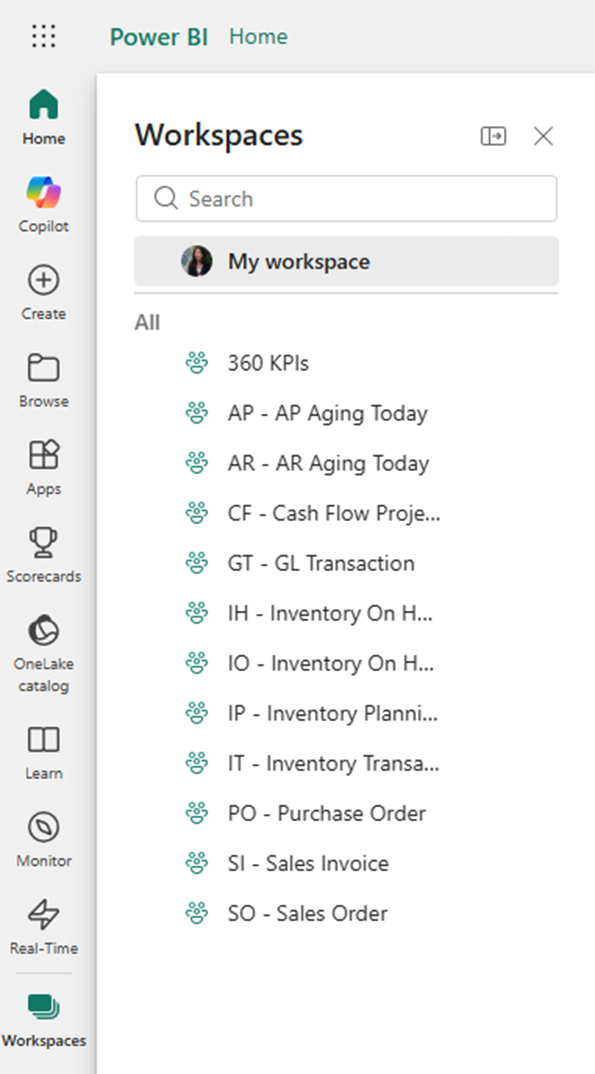
Power BI is a business analytics platform that includes several components:
-
Power BI Desktop (report development)
-
Power BI Mobile (mobile access)
-
Power BI Service (cloud-based platform)
Power BI Service is the web-based platform used to publish, share, and manage reports, dashboards, and datasets (semantic models). It enables collaboration and secure distribution of insights across an organization.
Accessing Power BI Service
You can access Power BI Service using the following link:
https://app.powerbi.com
Steps to Log In
-
Open the link in a web browser.
-
Enter your credentials.
-
Click Sign In.
After logging in, you will be directed to the Home page, which displays recent reports, dashboards, and other relevant content.
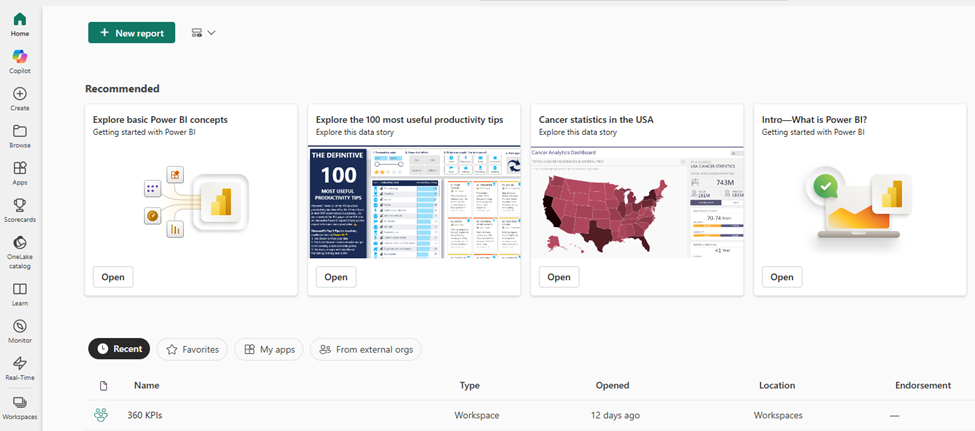
Workspaces
Workspaces are collaborative environments used to organize and manage content such as reports, dashboards, and semantic models.
-
My Workspace: Personal workspace for individual use
-
Shared Workspaces: Used for team collaboration and content distribution
Accessing Workspaces
To access workspaces:
-
Click on Workspaces in the left-hand menu.
-
The menu will expand and display your available workspace items.
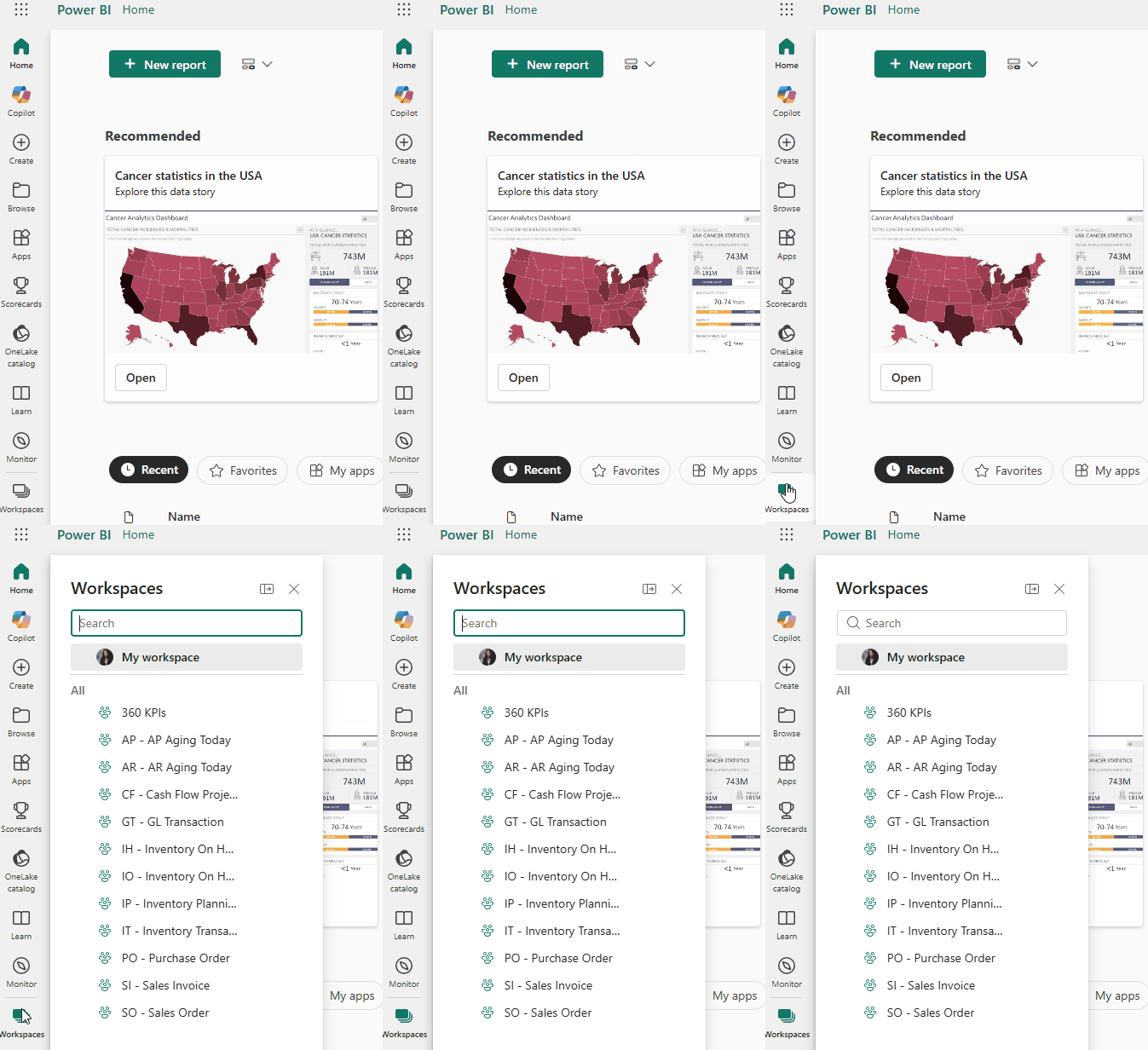
Available Workspaces
360 KPIS: Contains the Dataself Analytics Dashboards.
The items listed below 360 KPIs are grouped into modules (such as AP, AR, CF), and each module has its own set of reports.