
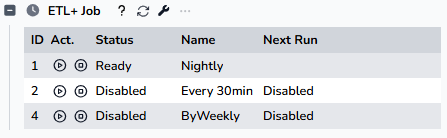
This section provides a quick way to view and run/stop jobs.
-
Header
-
? - Mouse it over to view help.
-
Refresh icon: Click it to refresh the Job list and status.
-
Property icon:
-
Click it to open the Job maintenance panel.
-
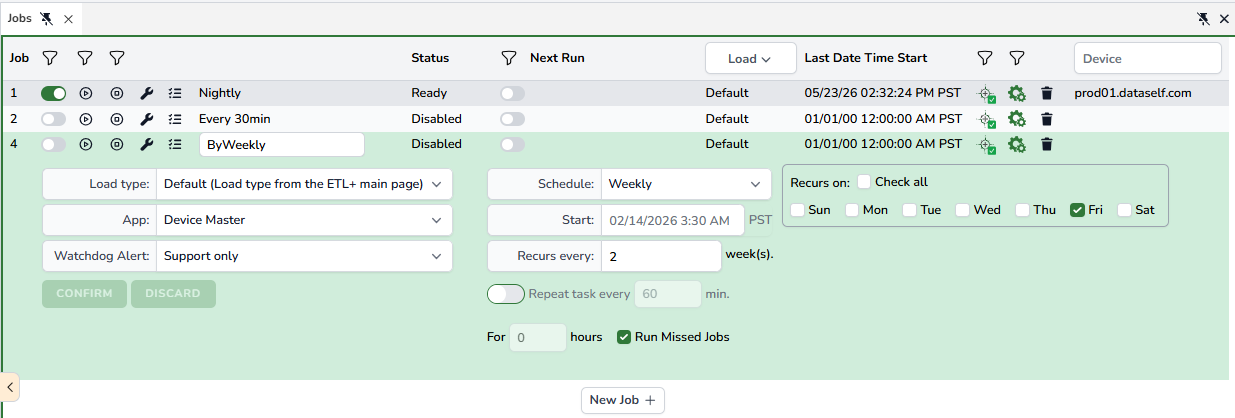
This opens a tab on the ETL page with the main features available from the Job Page: click here to learn more about configuring Jobs.
-
-
-
Job Summary List
-
Job ID
-
Action: Start and Stop icons.
-
Status
-
Name
-
Next Run: Shows the next schedule run, if applicable.
-