
Allows the download of data warehouse objects (such as tables or views) to CSV files on your Master Device.
-
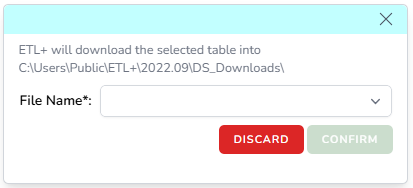
Click + on External Objects → select CSV Download → select an object from the dropdown menu (see below) → Confirm → Save.
-
The export to CSV entry will show as the below example.

-
You can then run these objects manually by cliking their Run icon, and/or schedule to run them as part of your ETL+ Jobs.
-
You can also use the … icon for deleting the script, and assigning Tags (if needed).