
Use it to refresh Power BI semantic models manually and/or as part of ETL+ Jobs. All Power BI tenant/environments are supported.
-
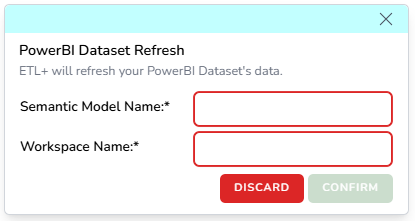
Click + on External Objects → Power BI.
-
Fill out:
-
Semantic Model Name
-
Workspace Name
-
Confirm
-
-
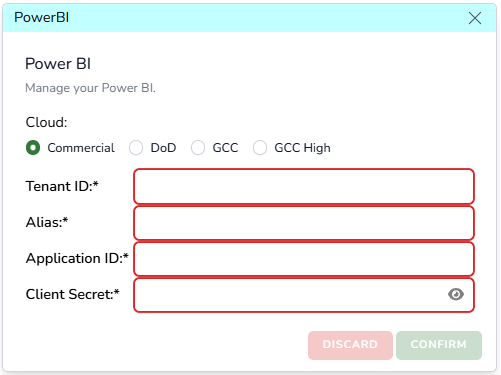
After you’ve added your first semantic model, you need to configure the ETL+ API access to your Fabric Power BI tenant: click here for details.
-
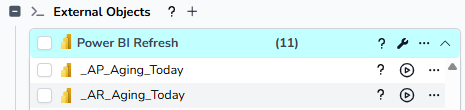
Then the Power BI models will show on your ETL+ entity like the example below.
-
You can then run these objects manually by cliking their Run icon, and/or schedule to run them as part of your ETL+ Jobs.
-
You can also use the … icon for deleting them, and assigning Tags (if needed).